
Are You Ready to Go Mobile With Scrivener for iOS and Unleash Your Writing Projects?


Expert training for Scrivener for iOS - Streamline and sync all of your writing projects, and set free your creativity like never before!


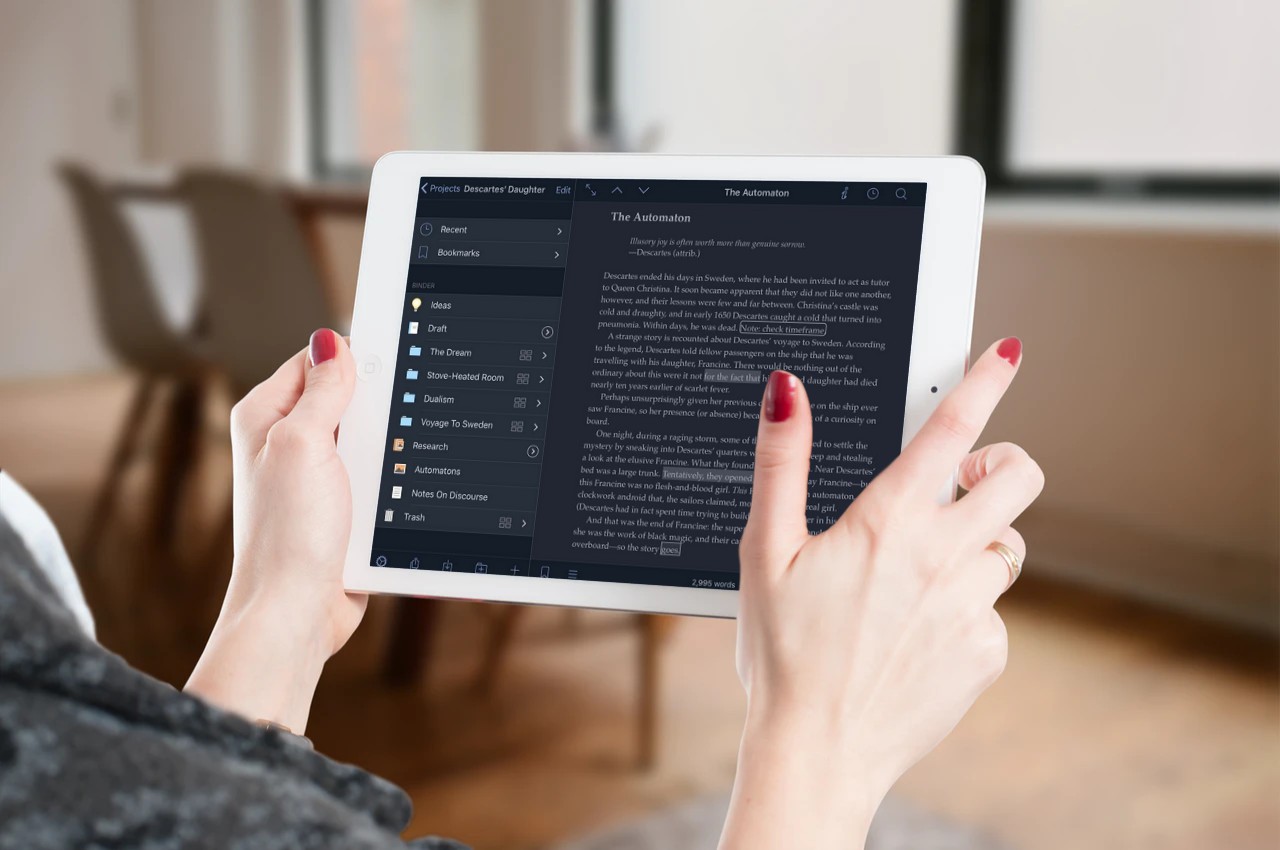
Eagerly anticipated by millions of Scrivener fans, the iOS mobile version of Scrivener does not disappoint! The iOS app takes the best of the desktop version, streamlining it into an easy-to-use app that makes writing on your mobile devices a breeze.



"David Martin is truly the best instructor that I could have asked for with Scrivener, and his teaching leaves me feeling like I have had a personal one-on-one explanation by a passionate writer who also knows his tools very well."
Brian Elam


A Perfect App For Writers and Content Creators

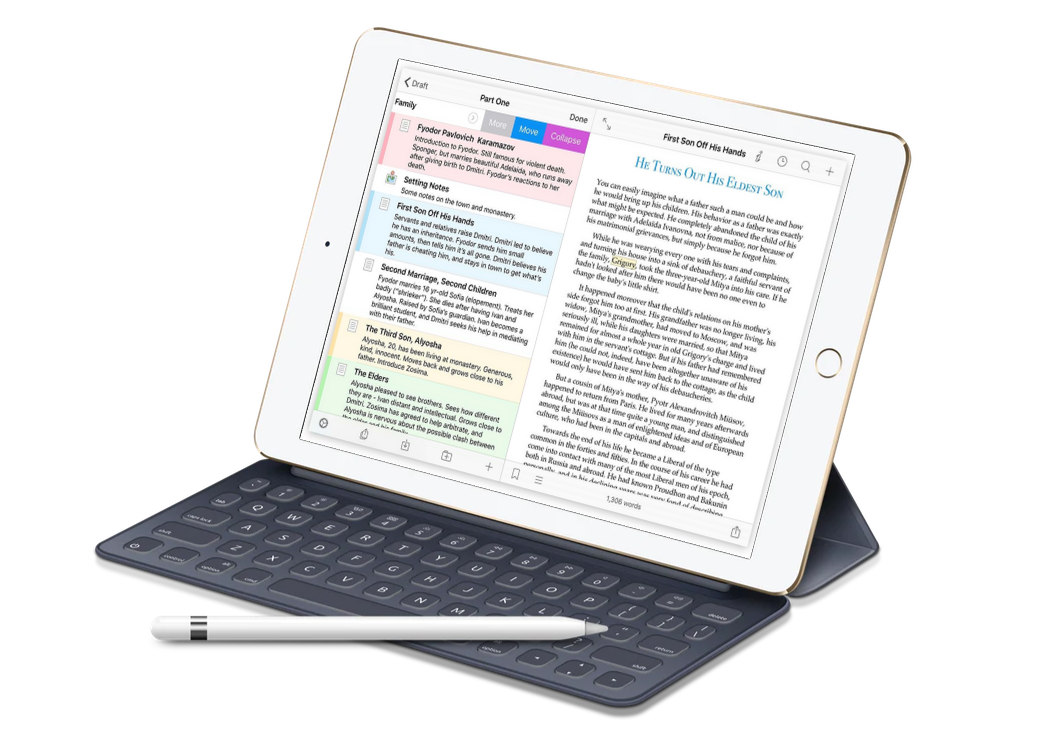
Scrivener for iOS is a full-fledged writing and note-taking app that outstrips most others for flexibility and functionality. It can be used with or without the accompanying desktop for all your writing projects.

The greatest benefit is of course the seamless syncing of your projects across all of your devices and your desktop, freeing you to develop your creative writing projects on-the-go. But the iOS app is so much more than this!

No more copying and pasting from one app to another, relying on third party apps to cobble together a mobile solution, or, as many so often do, writing on iPad and then emailing documents back and forth to continue working on them in the Scrivener desktop app.

Everything now works together with seamless perfection, syncing directly through Dropbox and ensuring that your work is never lost in transit.

The same intimate attention to detail you find in the desktop Scrivener software, and a clear understanding of the writer's needs, are carefully implemented into the mobile app, finally making writing and editing across devices a dream.


Coupled together with its desktop partner, Scrivener for iOS is an unbeatable powerhouse for writers and content creators everywhere.

"David Lee Martin nails it! No fluff, no hype, just value you can put to work immediately."
Troy Shaffer
YOUR DEDICATED SCRIVENER SHEPHERD

DAVID LEE MARTIN


With years of experience as an author and prolific self-publisher, David Lee Martin has a proven track record of producing training materials that actually get RESULTS for his students.

If you want teaching and training with nothing held back, this is the course and the teacher for you. 

Together, let's make a positive impact on the world—one word and one book at a time!


WHAT'S INSIDESCRIVENER UNLEASHED
FOR iOS

48 Easy-to-follow video lessons teaching you everything you need to know to rock with Scrivener for iOS.
The mobile iOS Scrivener app adds a whole world of convenience for the dedicated writer, and I know that you are going to love it!

Being able to carry your projects with you wherever you go, knowing that they will be securely synced between your device and your desktop is nothing short of amazing.

This short course will help you get up to speed in record time with all that the iOS app has to offer, and enhance your writing and creative projects with newfound freedom!


Module One: Before You Begin & Syncing Set UpThis module makes sure you have everything set in place for success. A few important things you will want to do before you write so you seamlessly sync between devices. 


Module Two: Your First ProjectA rundown of essential skills to create, manage and set preferences for your Scrivener projects on iOS. 

 Module Three: Working With Files & Folders in Your ProjectIt’s time to curate a clothing collection that celebrates your individuality, personal preferences, and body shape. 


Module Four: Document Notes, Synopsis, Footnotes & CommentsUsing the document inspector to its full capacity with comments, footnotes, synopsis and notes. 

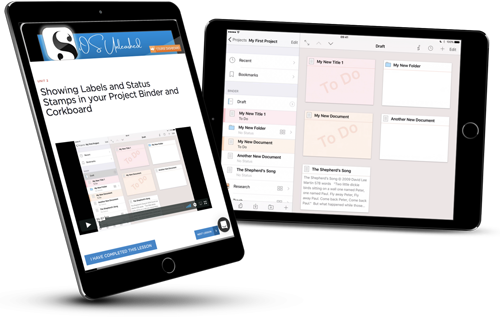
Module Five: Labels & Status StampsKey components to set up, view and use your labels and status stamps like a pro.

Module Six: Working With TextThe meat and bones of Scrivener - all you need to know about working with text in the Scrivener app, with lots of timesaving tips.

Module Seven: Other iOS GoodiesA medley Scrivener iOS goodness such as setting and tracking project and session writing goals, using the extended keyboard (super ninja!), inserting images and links and more.

Module Eight: Compiling Your ProjectsBringing it all together in beautifully compiled documents, and then exporting them for use in other programs or for publication.


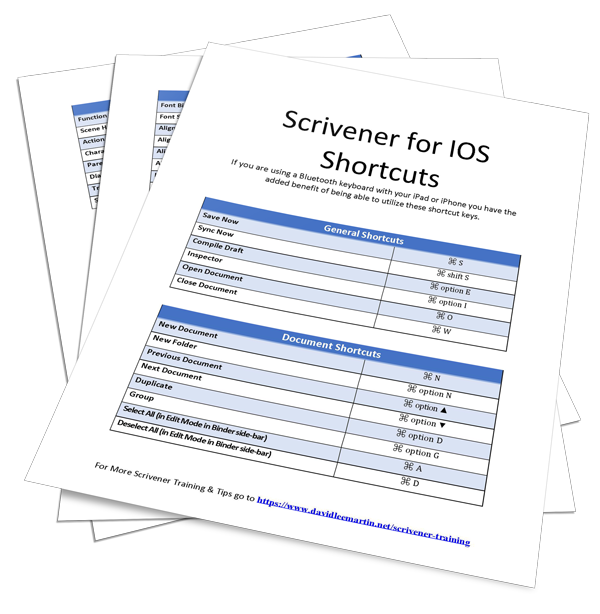
ADDED BONUS - Scrivener for iOS ShortcutsIf you are using a bluetooth keyboard with your iOS device you have the opportunity to speed your creative process and utilize keyboard shortcuts. Every shortcut is collected here in our beautifully designed quick reference sheet.


BEGIN YOUR TRANSFORMATIONENROLL TODAY


Unchain yourself from your desktop and set your creativity free!

Lifetime Access
$39
ONE TIME PAYMENT
  • 48 short easy-to-follow over the shoulder lessons.

  • Enjoy self-paced online learning, wherever and whenever it suits you. Plus, lifetime access to the curriculum and any future updates.

  • Gain access to video lessons, downloadable resources, practical exercises, and guides.

ENROL TODAY